Load shedding
Overview
Our load shedding feature allows content owners to activate a static web page from http application. So that when an application website is overloaded It can be redirected to this static web page.
Configuration permutations
The internal/Client operation team member should configure B64_GZIP_HTML parameter. this parameter must a zipped and base64 encoded of the web page.
It can be retrieved using this :
cat delestage_original.html | gzip -9 | base64 -w 0 > delestage.html.gz.base64
Assuming that the html content is in a file named delestage_original.html
for more security the feature allow you to configure a variable named X-CDBECAS-APIKEY. when the parameter is set the value must be in the request header and validation will be perform by the application. In case of missmatch 403 status code will be raised.
| Parameter | required | Description |
|---|---|---|
| B64_GZIP_HTML | true | zipped and base64 encoded of the html page |
| X-CDBECAS-APIKEY | false | apikey for authorization |
Examples:
H4sIAAAAAAACA7PJKMnNseNSAAKbjNTEFAgTzC3JLMlJtfOtVHAuLS7Jz1UoSExPtdGHiEI06CN02CTlp1Qiac4wtvNIzcnJVwhOzEtMBCk1hmmCqASKgGwGAATvnWuAAAAA
Error cases
If the environment variable is pox/altered the following error code will be returned:
- HTTP 422 invalid base64 payload
- HTTP 422 invalid gzip payload
- HTTP 422 missing paylaod
Steps to implement Advanced Geoblocking with CDB Edge Compute
Prerequisite CDB Edge Compute must be activated for your customer.
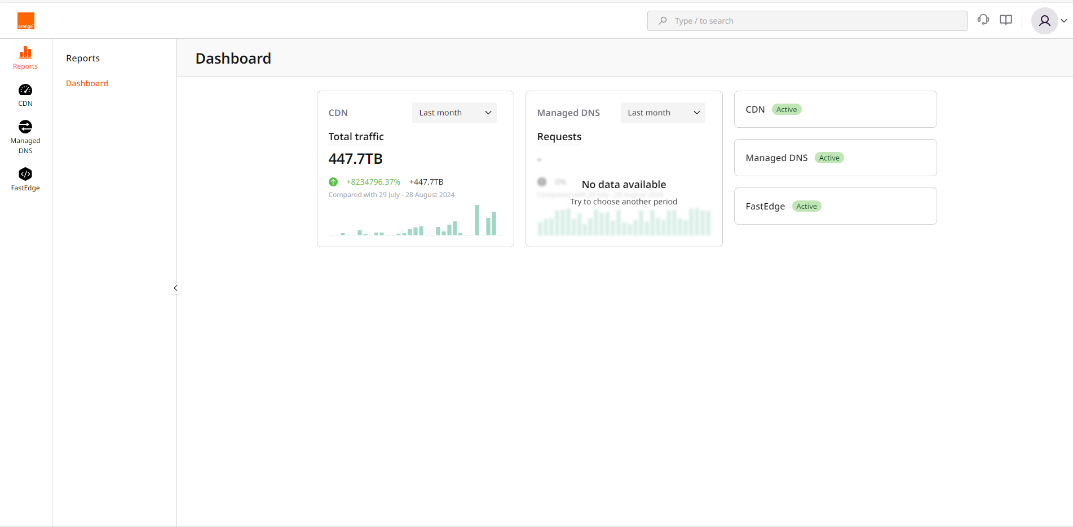
- Click on the FastEdge icon on the left to switch to FastEdge management.
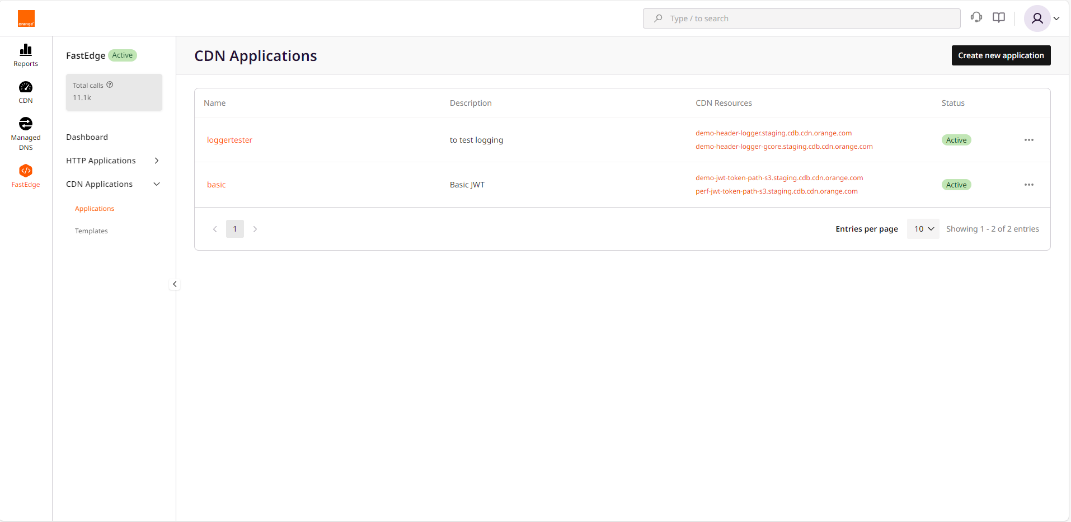
- Select HTTP Applications then Applications
- Click Create new application visible on top right
 At that point, your geoblocking application is deployed on FastEdge, now it needs to be called by CDN, additional below steps are then necessary.