How to use the API Reference
The CDB API Reference allows API requests to be sent directly from the browser. This guide uses the Get profile templates endpoint to demonstrate how to configure a request, send it, and interpret the response.
- 1
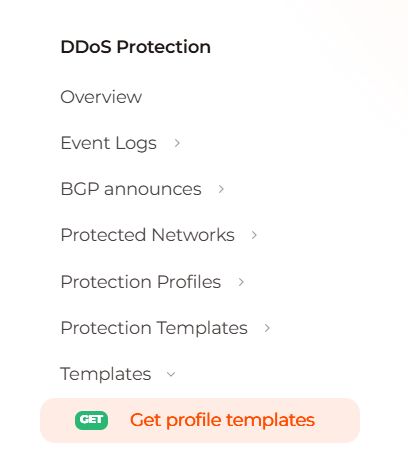
Open the endpoint
- 2
Review the request
GET
/security/iaas/profile-templatesreturns the profile templates and does not change the configuration.It requires an Authorization header and sends no body.
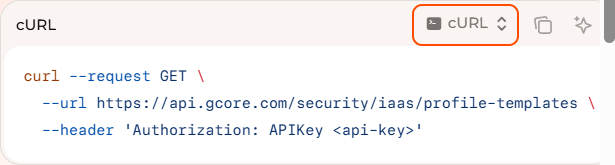
The cURL block shows the same call as
https://api.cdb-staging.cdn.orange.com/security/iaas/profile-templates.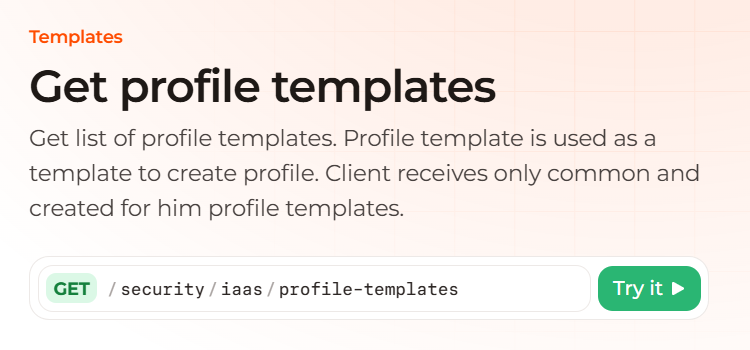
- 3
Open Try it
The panel shows the same method and path, and the Send button.

- 4
Enter the token
In Authorization, enter
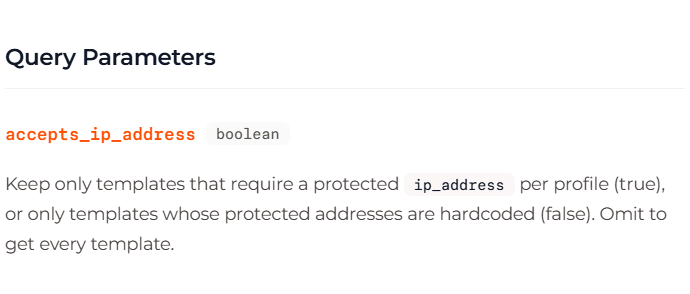
apikey, a space, and the API token, replacing1234_abcdef.Leave
accepts_ip_addressempty to return every template.truekeeps templates that require a protectedip_addressper profile, andfalsekeeps templates whose protected addresses are hardcoded.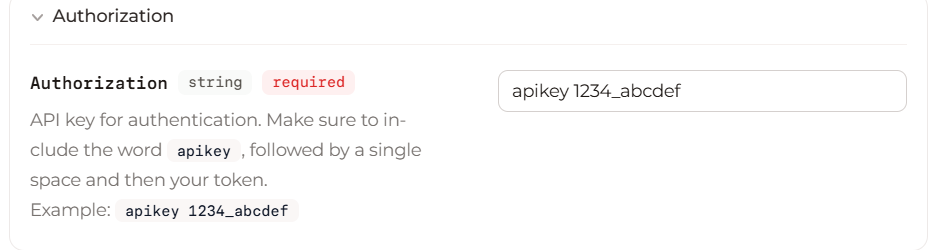
- 5
Send the request
The panel returns a status code and a response body.
- 6
Read the response
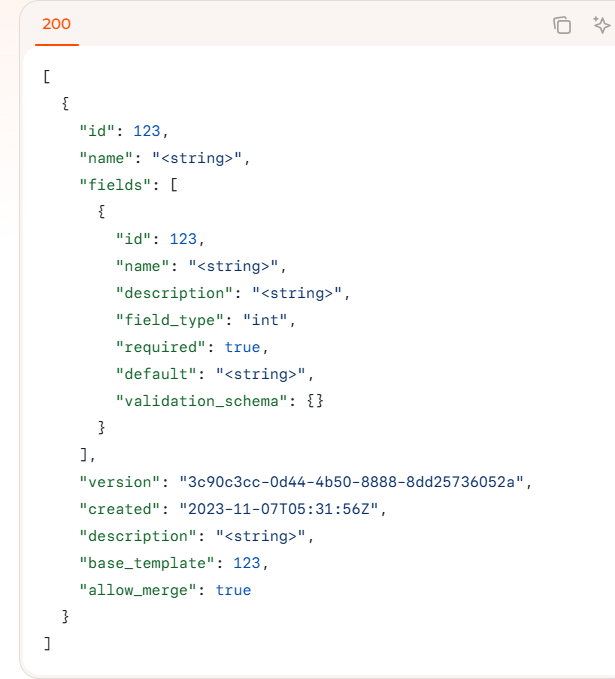
The number beside Response is the status code, and 200 means the request succeeded.
The response contains a list of templates, so find the item named
universal_v6and keep itsid.Angle brackets mark placeholders, while the response after Send contains the values the API returns.