Configure and use JWT with CDB Edge Compute
Pre requisite
CDB Edge compute is activated for your customer.
CDB Edge Compute Deployment
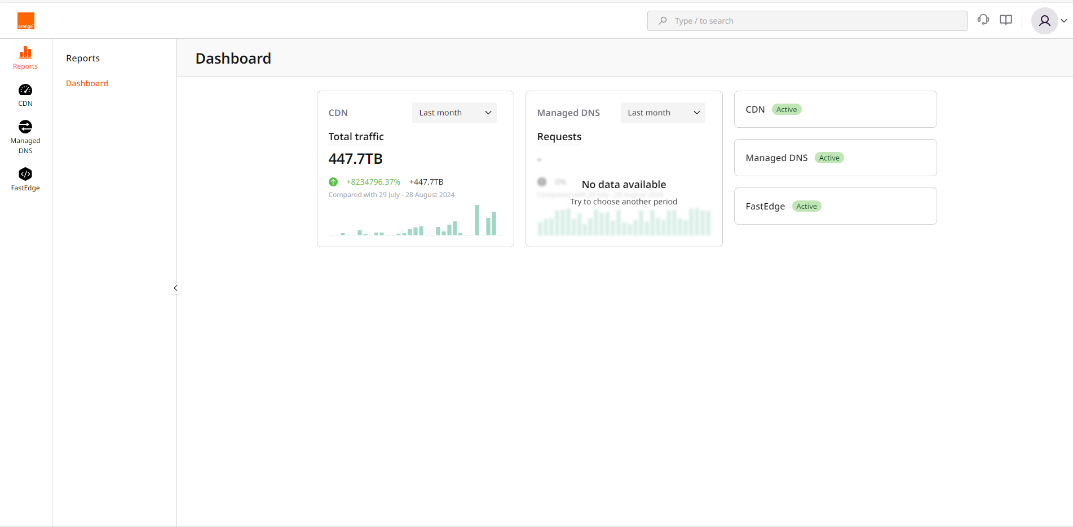
1.Click on CDB EdgeCompute icon on the left to switch to CDB EdgeCompute management.
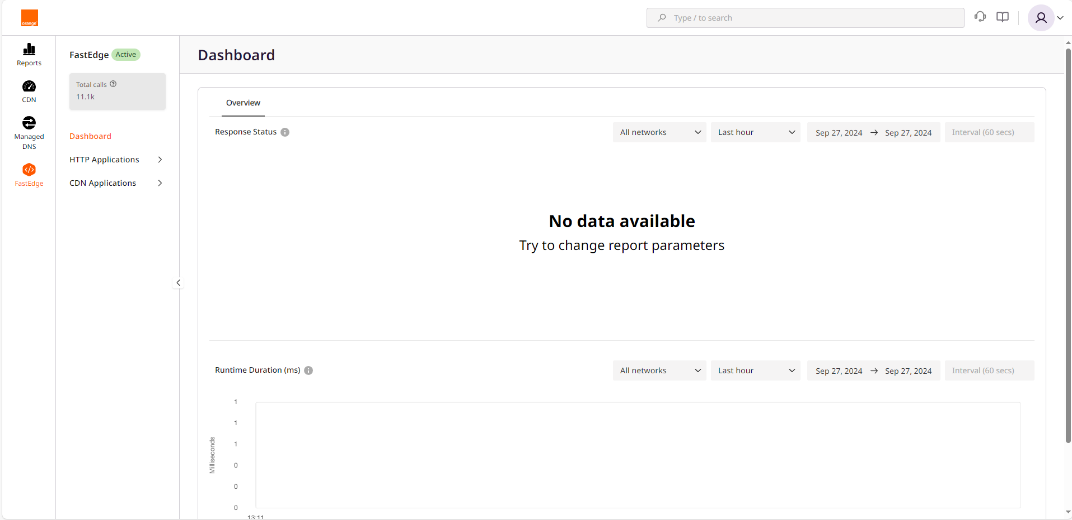
 2. Click on CDN Application to expand the sub menu
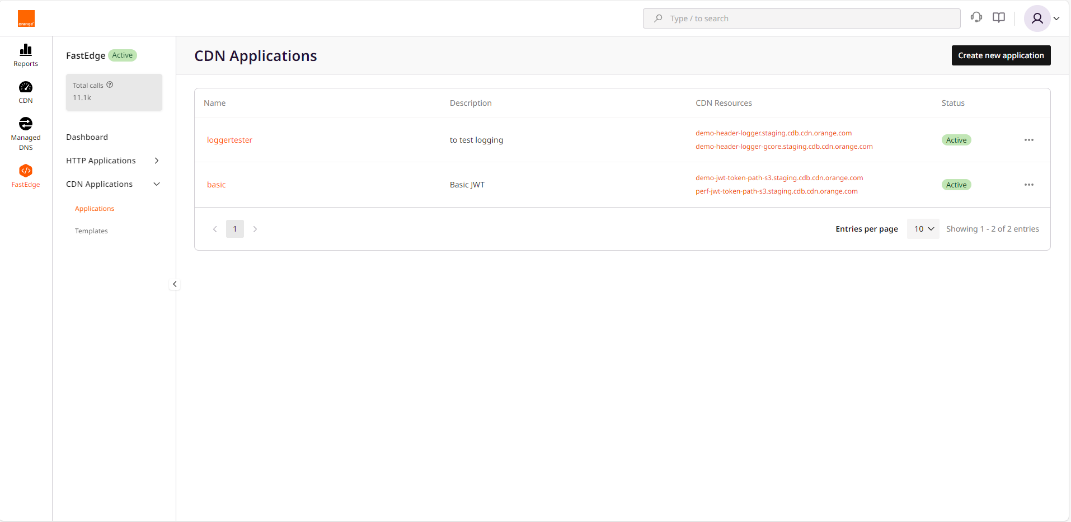
 3. Click on Create new application
4. In Create from a Template section click on Basic JWT

5. Fill the name, the shared that will be used to signed thee token, and click on Save and Deploy

6. You are redirect on the page of the application. You can see the activation status on Top Left.

CDN Configuration
1. Switch to the CDN management part on Left menu, and select the CDN resource on which you want to apply the token.
You can apply it to the entire resource

Or to a rule that match a pattern. For that select the rule click on Add option and select on request header, and rewrite option
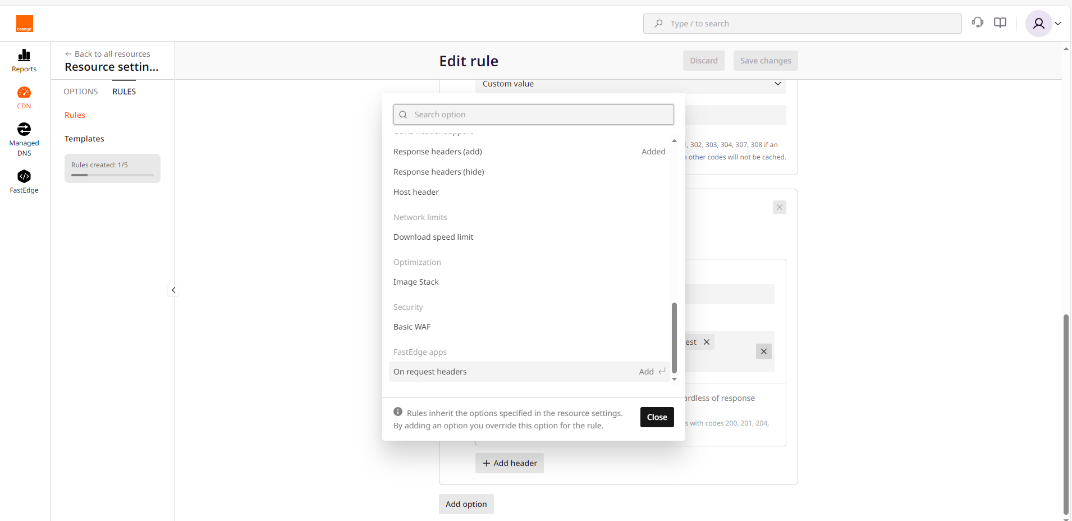
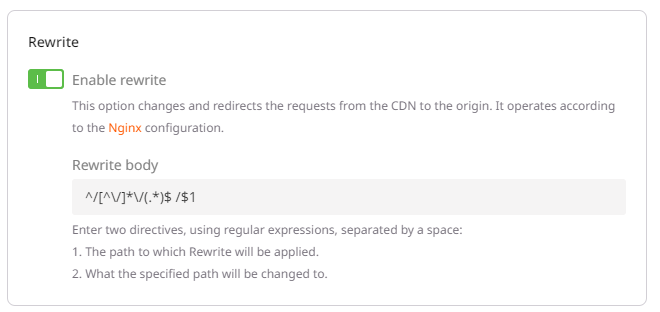
2. You need to add the rewrite option to remove the tokem from the url before sending it to the Origin server
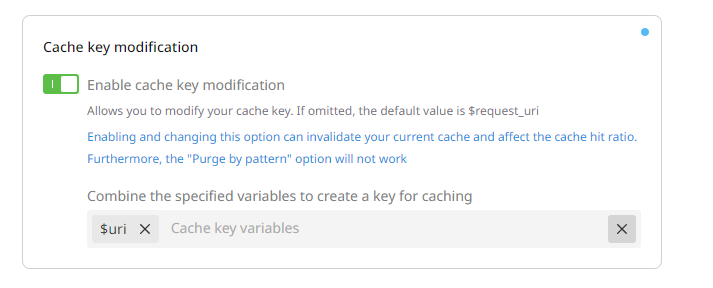
3. The last configuration option consist to modify the cache key in order not to have the token part of it. Othetwise the same object will be store several times.
10. Each modification in CDN side need 10-15min to be propagated.